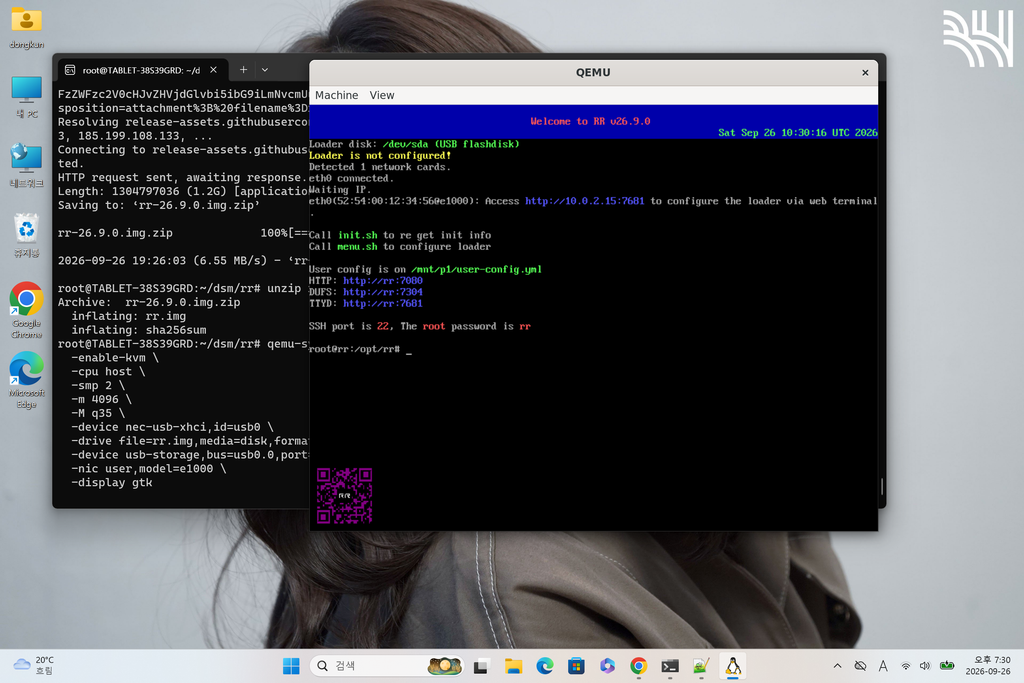
WSL(Windows Subsystem for Linux)에서도 Xpenology(헤놀로지)를 설치할 수 있다.
기본적인 방법과 구조는 Proxmox와 큰 차이점은 없다.
1.
apt update
apt install -y qemu-system-x86 qemu-utils
2.
mkdir -p ~/dsm
cd ~/dsm

qemu-img create -f qcow2 dsm-disk.qcow2 32G
3.
cd ~/dsm
mkdir -p rr
cd rr
4.
cd ~/dsm/rr

wget https://github.com/RROrg/rr/releases/download/26.9.0/rr-26.9.0.img.zip
5.
unzip rr-26.9.0.img.zip
6.
cd ~/dsm/rr

qemu-system-x86_64 \
  -enable-kvm \
  -cpu host \
  -smp 2 \
  -m 4096 \
  -M q35 \
  -device nec-usb-xhci,id=usb0 \
  -drive file=rr.img,media=disk,format=raw,if=none,id=rrdisk \
  -device usb-storage,bus=usb0.0,port=1,drive=rrdisk,bootindex=1,removable=on \
  -drive file=../dsm-disk.qcow2,format=qcow2,if=none,id=dsmdisk \
  -device ide-hd,drive=dsmdisk \
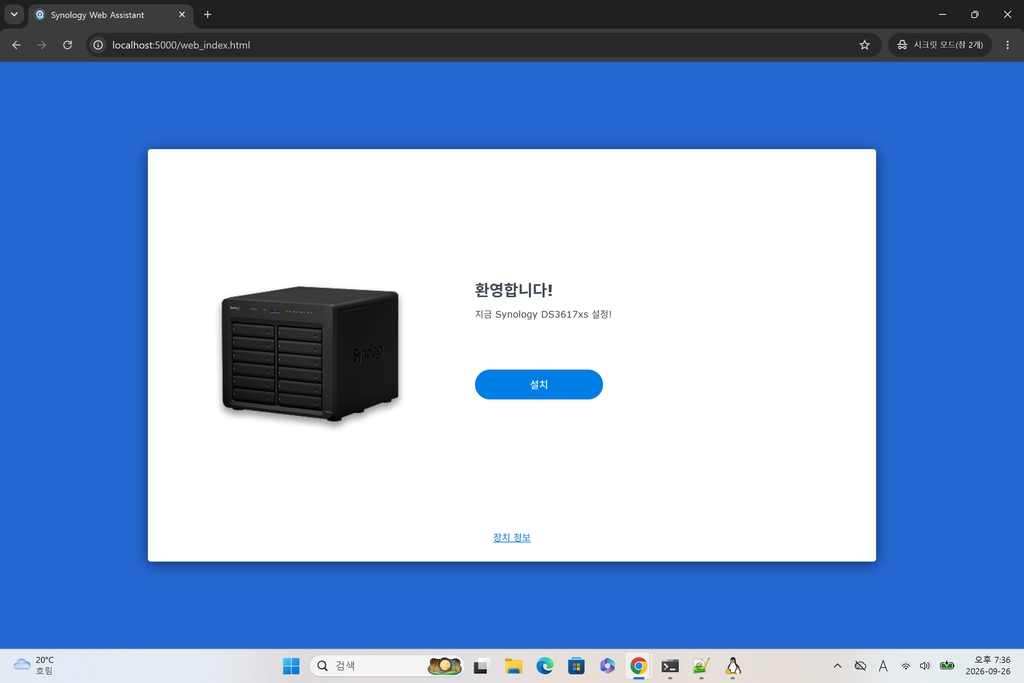
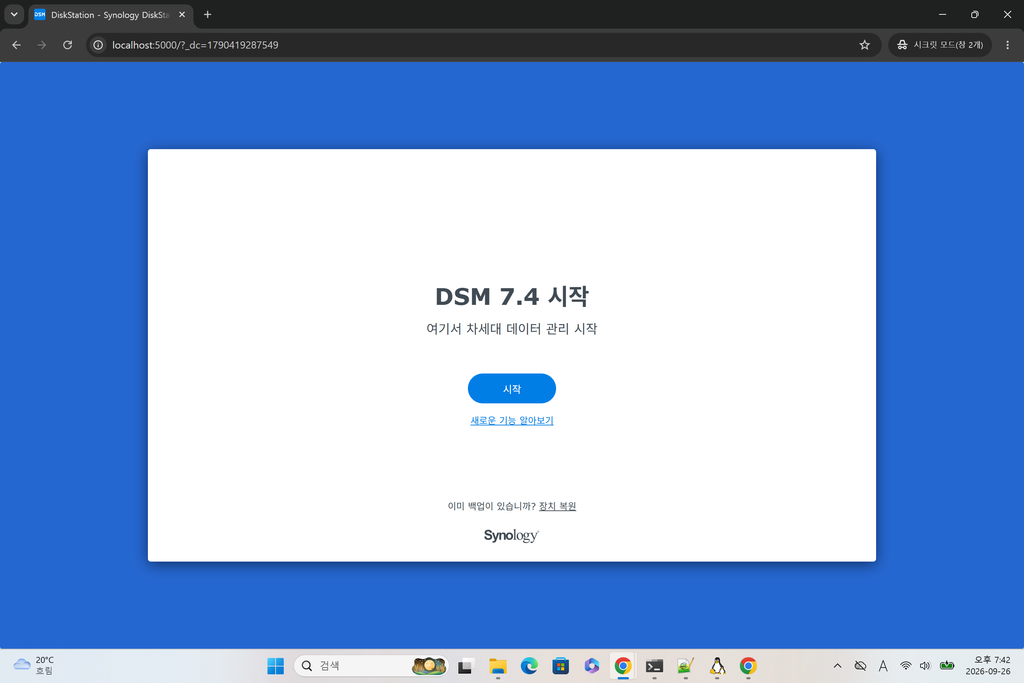
  -nic user,model=e1000,hostfwd=tcp:127.0.0.1:7681-:7681,hostfwd=tcp:127.0.0.1:5000-:5000,hostfwd=tcp:127.0.0.1:5001-:5001 \
  -display gtk
답글 남기기